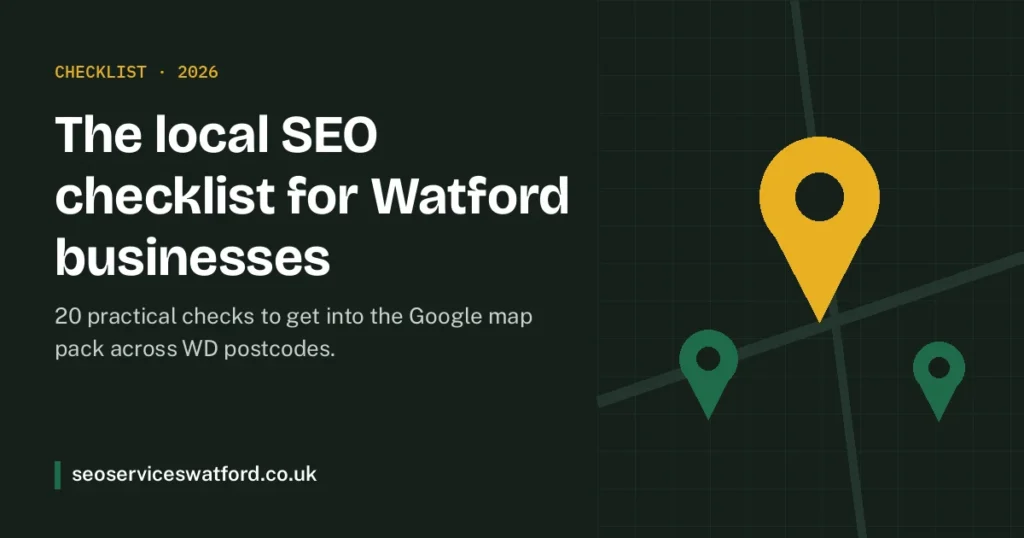
When someone searches “electrician near me” in Watford, Google shows three businesses on a map before any normal results. Those three spots win most of the calls. This checklist covers the 20 things we check first when helping a Watford business get into that map pack. Work through it in order: the early steps are quick and often make the biggest difference.
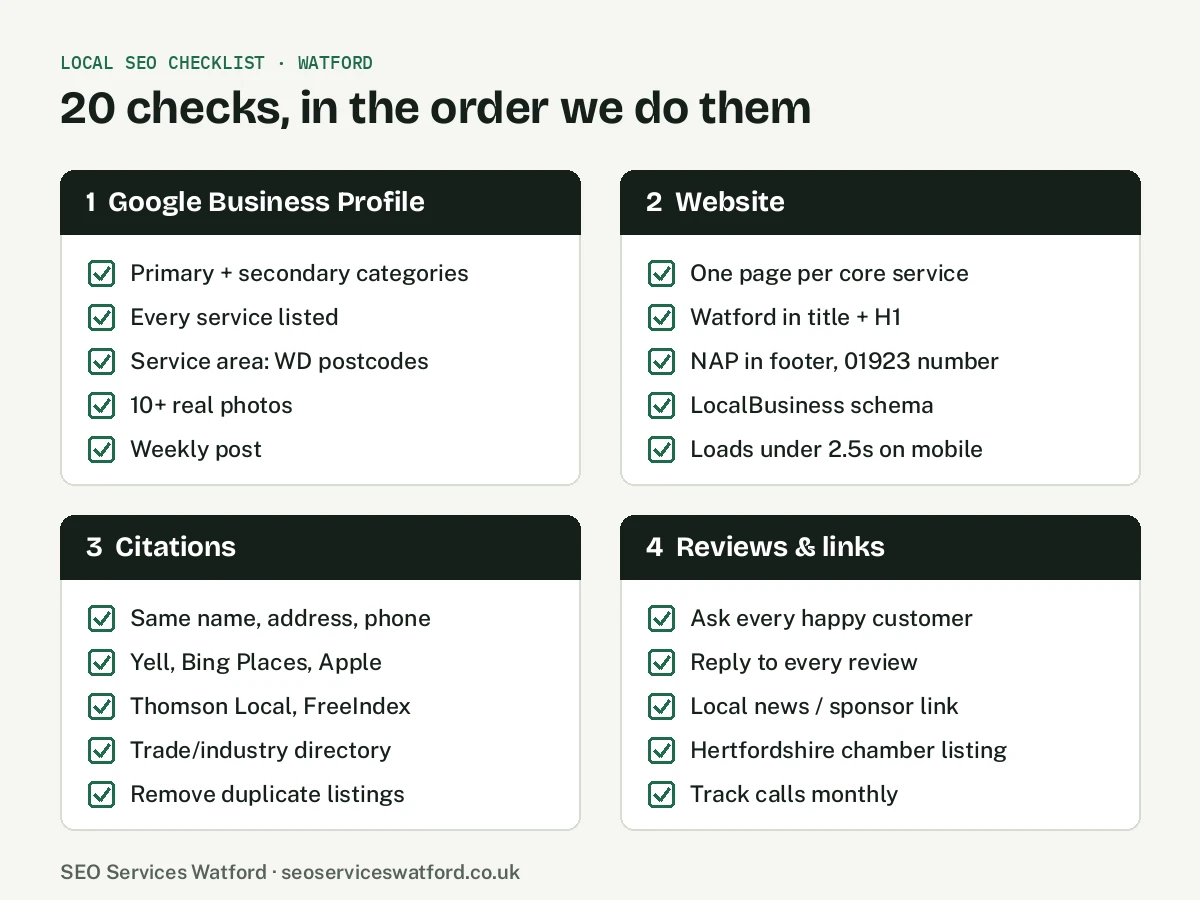
How Google ranks local businesses
Google says local results are based mainly on three things: relevance (does your business match the search?), distance (how close are you to the searcher?) and prominence (how well known and trusted are you?). You cannot move your premises, but every item below improves relevance or prominence.
Stage 1: Google Business Profile
- Choose the right primary category. This is the single biggest relevance signal. Pick the most specific category that matches your main service, then add secondary categories for other services.
- List every service. Add each service with a short description written the way customers search.
- Set your service area. If you visit customers, list the towns and areas you really cover, such as Watford, Bushey, Croxley Green, Abbots Langley and Rickmansworth. Do not list places you never work in.
- Add at least ten real photos. Your team, vehicles, premises and finished jobs. Stock images do not help.
- Post weekly. Offers, recent jobs, seasonal tips. An active profile signals a real, open business.
Want this done for you? See our Google Business Profile optimisation service.
Stage 2: Your website
- One page per core service. A single “Services” page cannot rank for ten different searches. Give each main service its own page with real detail, prices or price guides, and FAQs.
- Put Watford in the title and main heading of your key pages, naturally. For example: “Boiler Repair in Watford”.
- Show your name, address and phone number (NAP) in the footer, matching your Google profile exactly. A local 01923 number helps people trust you are nearby.
- Add LocalBusiness schema. Structured data tells search engines your business type, address, opening hours and service area.
- Make it fast on mobile. Most local searches happen on phones. Aim for your main content to load in under 2.5 seconds.
Our technical SEO and SEO content services cover this stage.
Stage 3: Citations and listings
- Use the same name, address and phone everywhere. Small differences, such as “Rd” versus “Road” or an old phone number, weaken trust.
- Claim the major platforms: Bing Places, Apple Business Connect, Yell and Facebook.
- Add UK directories such as Thomson Local, FreeIndex, Scoot and Cylex.
- Join your industry directory, for example Checkatrade or TrustMark for trades, the Law Society for solicitors, or the GDC for dentists.
- Remove duplicates. Old or duplicate listings, especially on Google, split your reviews and confuse search engines.
Stage 4: Reviews and local links
- Ask every happy customer for a review. Send a direct link by text or email straight after the job. A steady flow beats a sudden burst.
- Reply to every review, good or bad, politely and with detail about the service you provided.
- Earn links from local sites. Sponsor a local club, support a community event, or share expert comment with local news. Links from Watford and Hertfordshire sites are strong local signals.
- Join local business groups, such as Hertfordshire Chamber of Commerce or a local business network, which often list members online.
- Track calls and enquiries every month, not just rankings, so you know what is working.
See how we approach this with local link building and digital PR.
Common mistakes Watford businesses make
- Using a virtual office address on Google, which can get your profile suspended.
- Stuffing “Watford” into the business name on Google, which breaks Google’s guidelines.
- Building dozens of near-identical town pages with only the place name changed.
- Buying cheap reviews or links. Both can lead to penalties.
How long does it take?
Profile and listing fixes from stages 1 and 3 often show results within four to eight weeks. Website improvements and reviews build over three to six months. Links and content keep compounding after that. If you are weighing up doing it yourself against hiring help, our Watford SEO cost guide sets out what each option costs.
Frequently asked questions
What is the most important local SEO factor?
For most businesses, the Google Business Profile primary category and the number and quality of recent reviews make the biggest difference.
Do I need a website for local SEO?
You can appear in the map pack without one, but a good website with dedicated service pages makes it much easier to rank and to turn visitors into enquiries.
Can I rank in towns where I do not have an office?
In normal results, yes, with genuine area pages. In the map pack, distance matters, so you will usually rank most strongly near your address.
Want us to check your business against this list?
Our free audit scores your website and Google Business Profile against these checks and compares you with your top three local competitors. Request your free local SEO audit or call +44 7480 268444.